Find Tukang
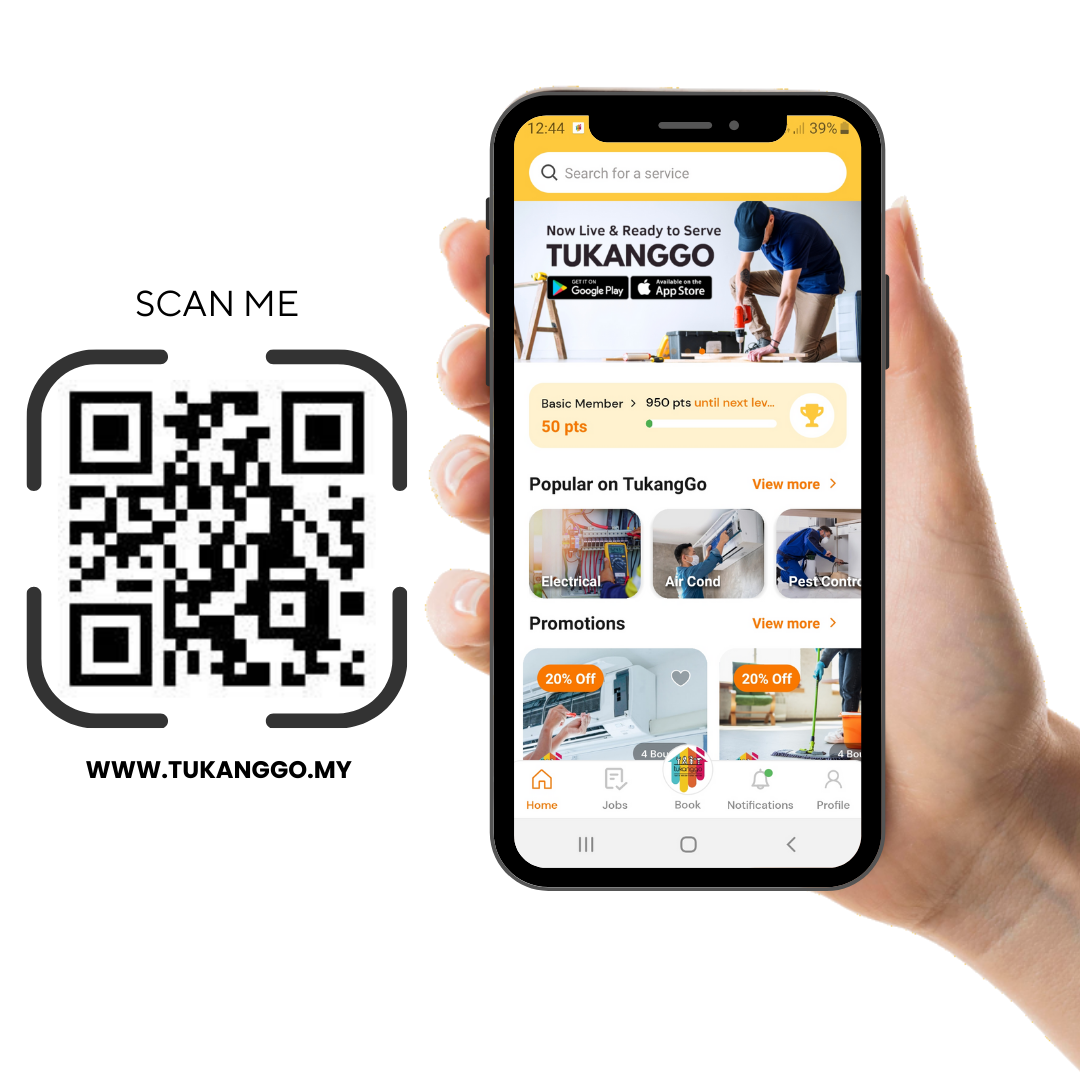
Download Tukanggo App
Step 1 : Scan QR Code
Download Tukanggo App from Apple or Google Playstore
Step 2 : Sign Up
Register with your account and update your profile
Step 3 : Enjoy The App
Start exploring and connecting with others. Have fun!
Get Quotation
How to make appointment with Tukang?


Step 1 : Open Tukanggo App
Get Tukanggo app and sign up with your account.
Step 2 : Select Service Categories
Explore and choose from the available service categories that Tukanggo offers.
Step 3 : Select your Address
Input your address for local service providers.
Step 4 : Choose preferred Date & time
Pick a convenient date and time for the service.
Step 5 : Confirm your order
Review details and confirm
Step 6 : Please be patient wait Tukang
Wait for Tukanggo to assign a service provider.